
Nissan Qashqai Owners Manual | 2025
7.36.2. How to enable/disable the parking sensor (sonar) system
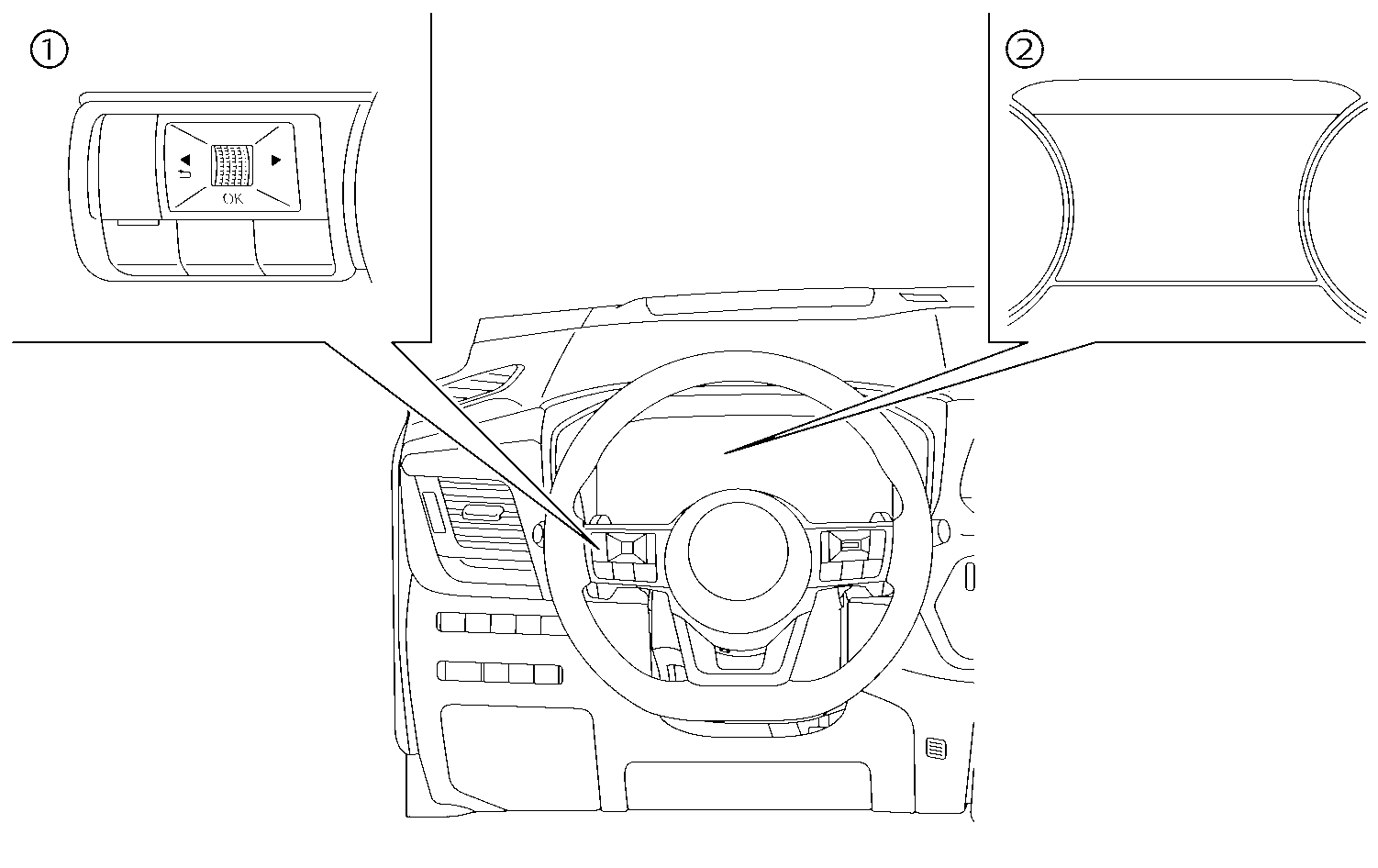
- (1)Steering-wheel-mounted control (left side)
- (2)Vehicle information display
The system is automatically activated when the ignition is switched ON and the transmission is in the R (Reverse) position.
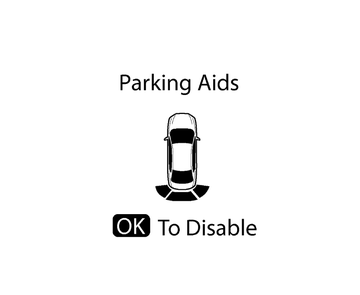

When the transmission is in R (Reverse) and the [Parking Aids] screen is displayed in the vehicle information display the parking sensor (sonar) system can be disabled temporarily by pushing the <OK> switch on the steering wheel.
Perform the following steps to set up the parking sensor (sonar) system function:
Push the

 button until [Settings] appears in the vehicle information display and then push the scroll dial. Use the scroll dial to select [Driver Assistance]. Then push the scroll dial.
Select [Parking Aids] and push the scroll dial.
Use the scroll dial to navigate in the menu and select or change an item:
[Rear]
Turns ON/OFF the parking sensor (sonar) system
[Distance]
Changes the parking sensor (sonar) system sensor’s detection distance to [Far], [Medium] or [Near]
[Volume]
Changes the volume of the tone sound to [High], [Medium] or [Low]
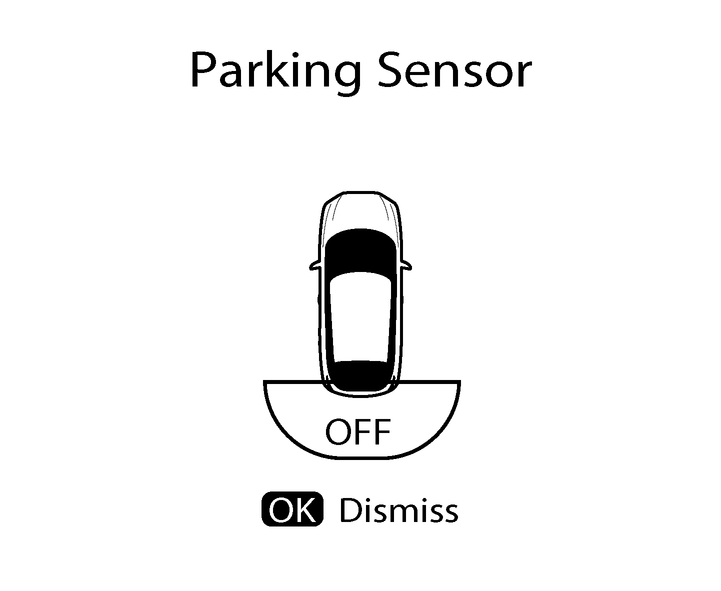
Parking sensor OFF notifications:
When the rear parking sensor (where fitted) is turned OFF, a notification will be displayed in the vehicle information display:
 Parent topic: